Run a first task
Run the built-in software-change graph on a project folder. One agent makes the change,
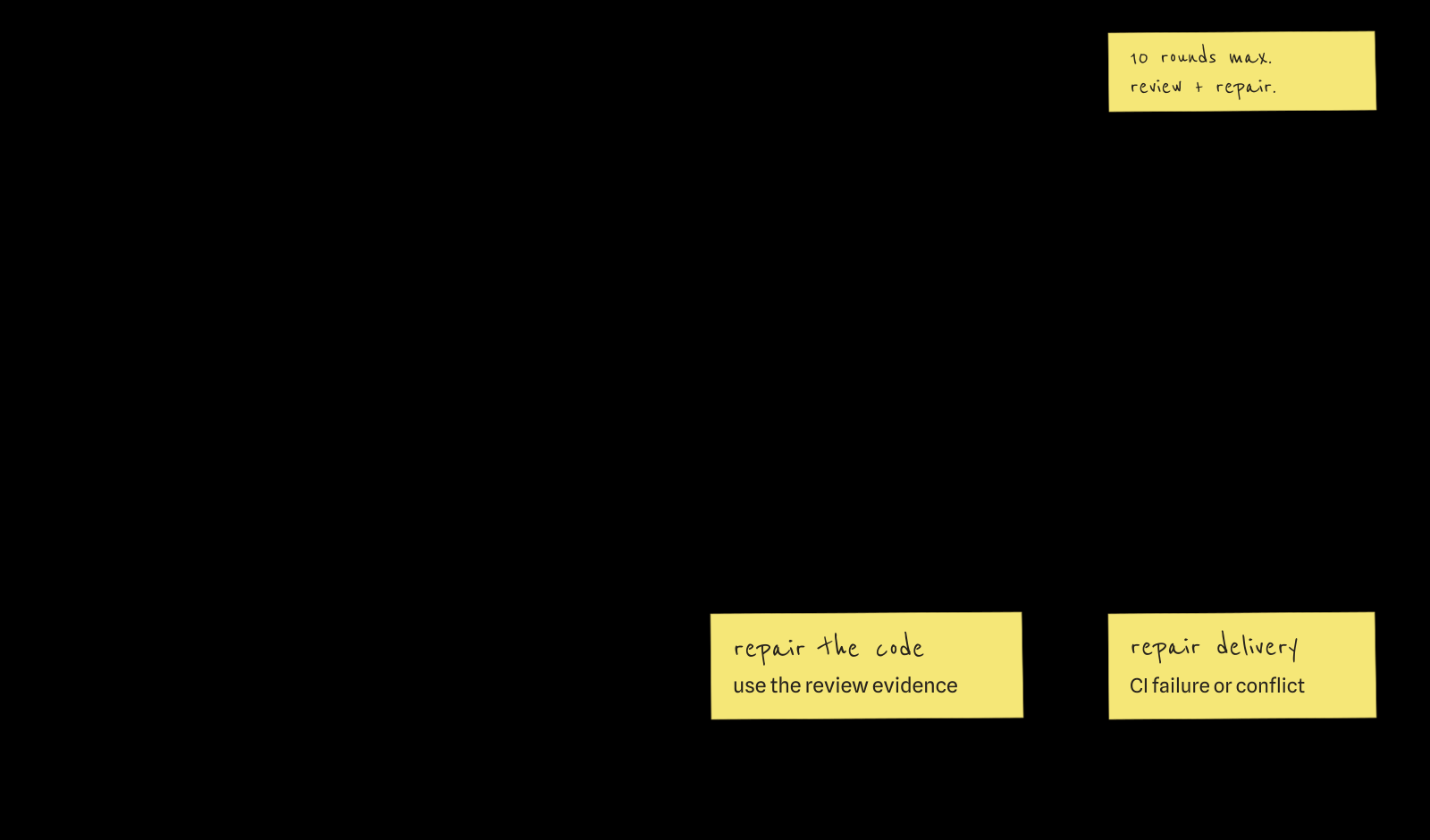
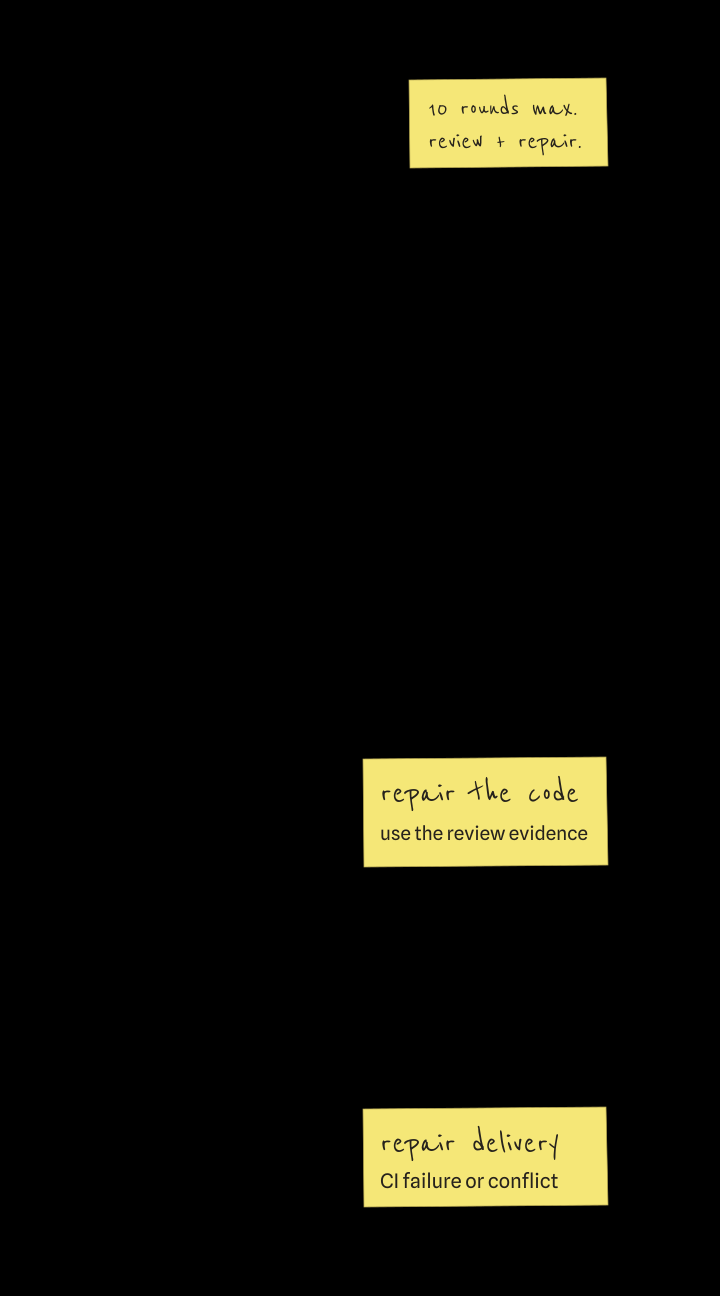
acceptance and code review check it independently, and anything they reject goes back for repair.
This run leaves the result in your folder instead of opening a pull request.
Before you start
- zeroshot is installed.
- One agent CLI is installed and signed in: Codex, Claude Code, GitHub Copilot or Pi. zeroshot uses
its login. Check it with
codex --version,claude --version,copilot --versionorpi --version. - You are in the project folder. Git is optional; add
--cwd FOLDERto the commands to work on another folder.
The agent edits this folder
Commit or back up anything you want to keep first.
1. Write the task
Save it as input.json. Replace the task with a small change that fits your project.
2. Pick the agent
Save the one for your CLI as runtime.json, and replace YOUR_MODEL_ID with a model your
provider accepts. zeroshot passes it on unchanged.
A local run needs no API key. Docker and Platform runs cannot use your CLI's login; they need the
provider's API key (OPENAI_API_KEY for Codex) from your environment or the target's connection
store.
Runtimes and connections explains both.
Harness adapters lists every agent and provider pair.
3. Check it
--validate-only checks the input, graph and runtime without starting anything. Each command here
is one line, so it pastes into Bash, PowerShell or Command Prompt.
zeroshot run --title "Add JSON status output" --template software-change --delivery none --input input.json --uniform-runtime-config runtime.json --validate-only
It prints {"valid":true}, or names the input, graph or runtime problem. Connections are checked
later, when the target receives the run.
4. Run it
Drop --validate-only:
zeroshot run --title "Add JSON status output" --template software-change --delivery none --input input.json --uniform-runtime-config runtime.json
The command streams the run as JSON lines. Ctrl-C closes the stream, not the run. From another terminal:
To follow the graph and each agent's transcript, run
zeroshot ui and open the run under Runs.
When it ends
A run ends when the graph reaches a terminal node, when you run zeroshot force-stop RUN_ID, or
when the engine or target fails. A failed foreground run exits with status 1 and prints its latest
error records, then the zeroshot logs command that shows the rest.
Observe and control runs covers resuming a failed run.
Next
- Open a pull request instead. Replace
--delivery nonewith--pr. This needs a clean Git checkout with a commit, a remote and forge access. Moveinput.jsonandruntime.jsonoutside the checkout first, and update--inputand--uniform-runtime-configto their new paths. Commit or stash any changes left by your first run, then checkgit status --shortfor remaining changes before starting the PR run. - See the graph you ran.
zeroshot template show software-change --delivery noneprints it as a tree. Names marked*need runtime bindings. Add--jsonto export theGraphSpecthat--graphand the Python SDK accept. - Go smaller.
zeroshot template show single-workeris one agent with no review loop. - Research instead of change.
zeroshot template show auto-researchruns ten iterations by default; setoptions.iterationsin the input to change that. Results stay under.zeroshot/research; add--pushto publish each finalized iteration. - Write your own graph. Build a review loop goes step by step.